Drafting
From draft to the finished document
From research to memo and from assignment to contract: draft and precisely revise existing documents – in the web app and directly in Word.
From the answer to the draft
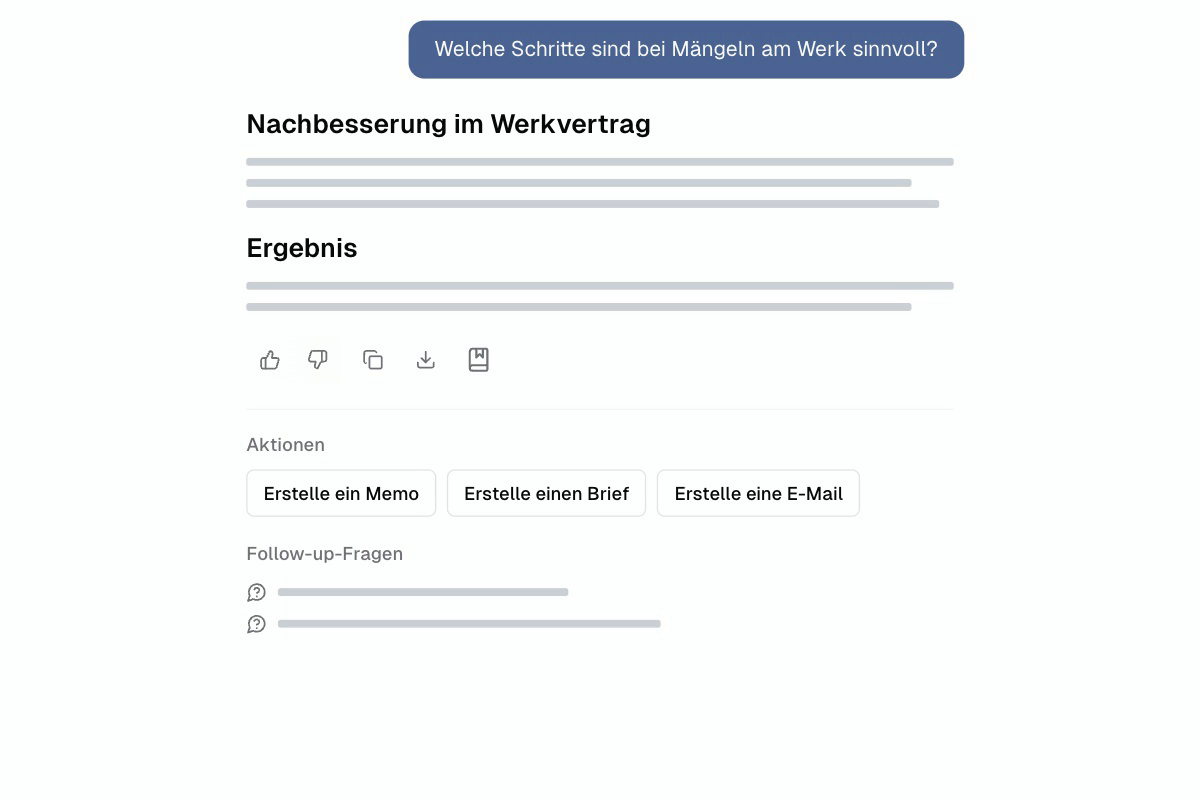
Memo, letter or e-mail with one click.
Under each answer, Jurata® Legal Agent suggests the next steps: a memo for the file, a letter to the opposing party, an e-mail to the client. The draft incorporates the sources of the research.
Actions directly below the answer
Sources are preserved in the draft
Drafting in the Word Add-in
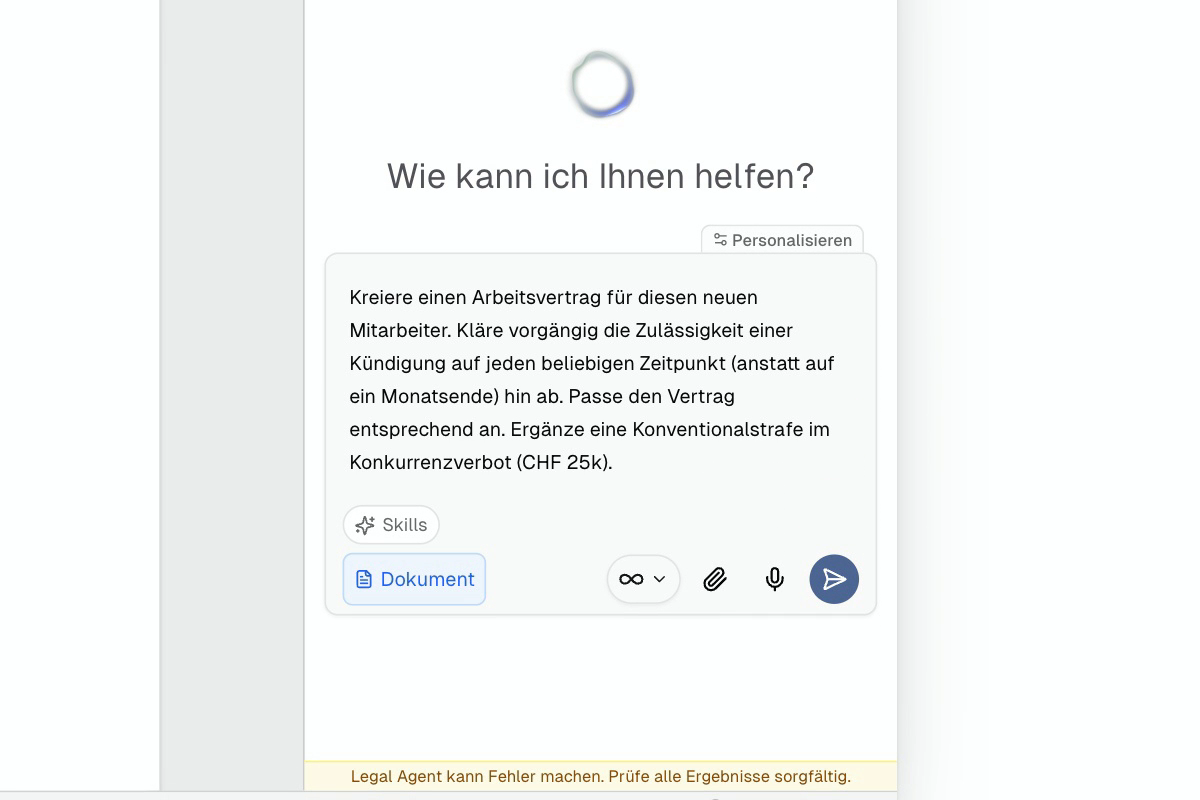
From the order to the employment contract.
Clarify legal questions and create the appropriate contract directly in Word. The agent selects a template, adopts information from your documents, and makes its adjustments visible as changes.
Clarify legal issues before drafting
Use matching template and data sheet
On autopilot to the draft contract
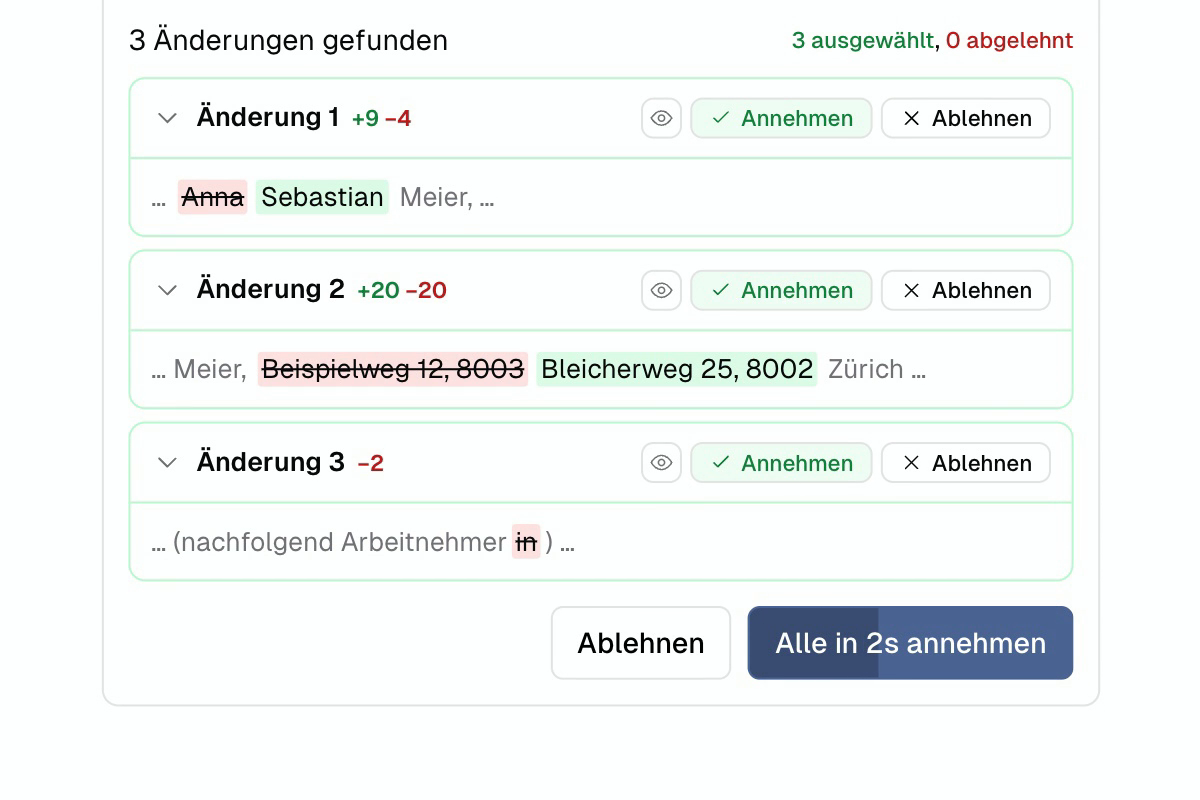
Revise in Word
Change specifically. Preserve formatting.
Revision of the entire document or a selection of text
Confirm or Autopilot
Formatting is retained
Convince yourself.
Try for free for 7 days, no credit card required. Or see it in 20 minutes in the demo.